Receive, sort and route every return.
Receive and identify what arrives. Triage for reuse, refurbishment or recycling, then combine returns for their next journey without losing where they came from.

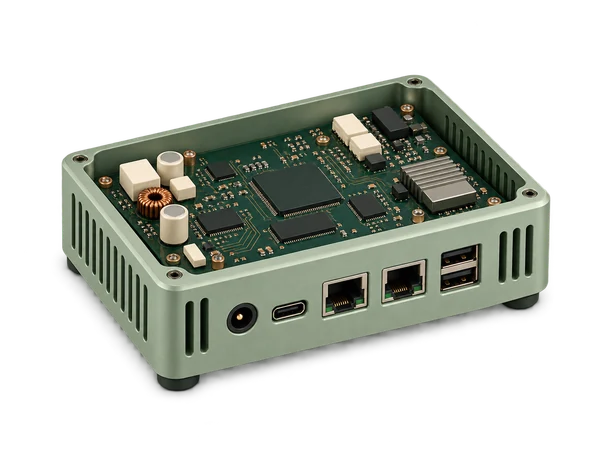 NW-0084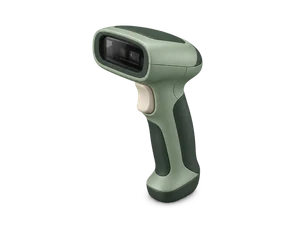
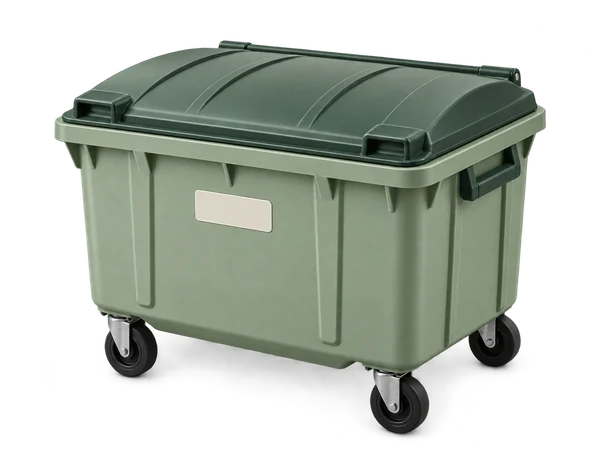
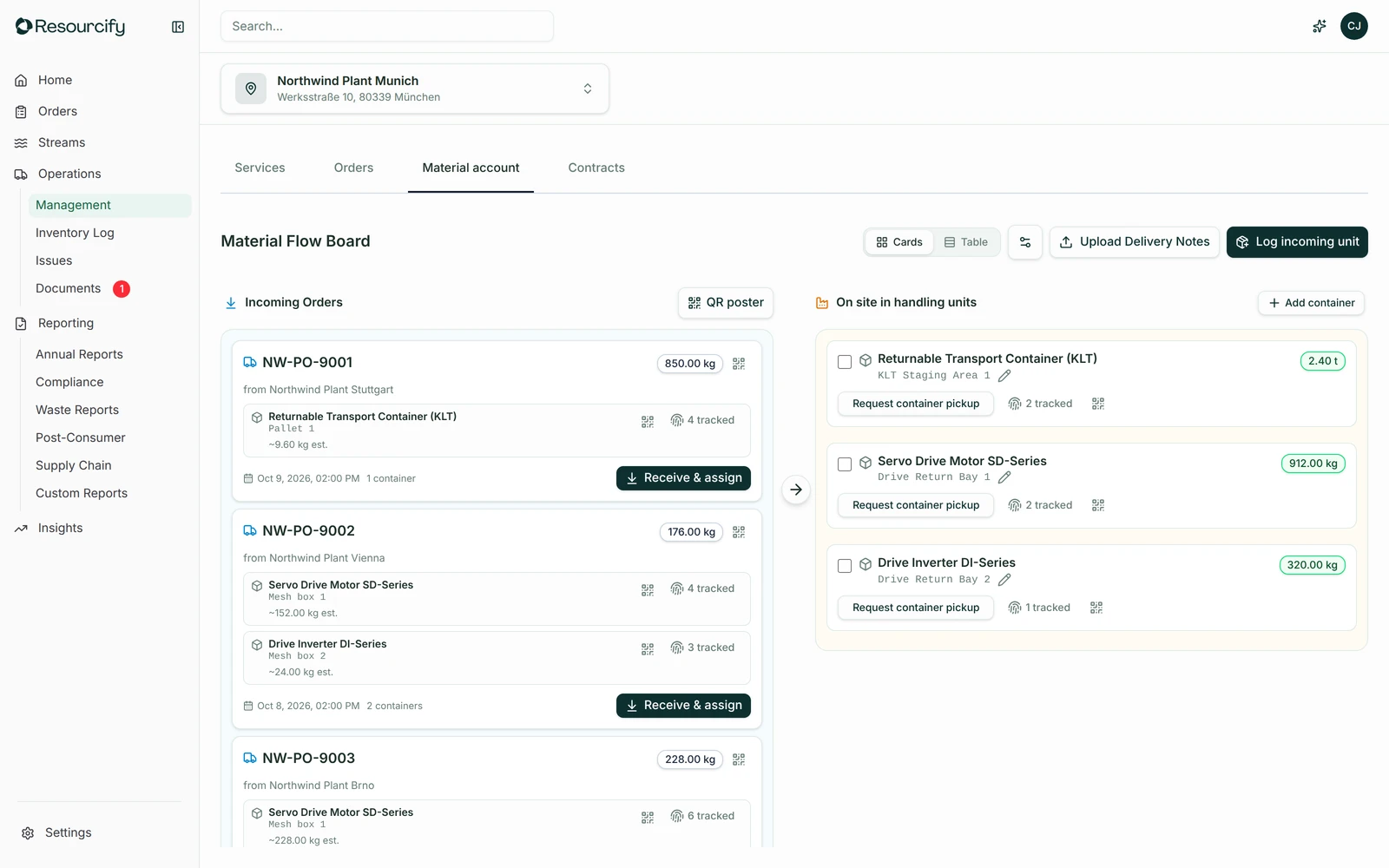
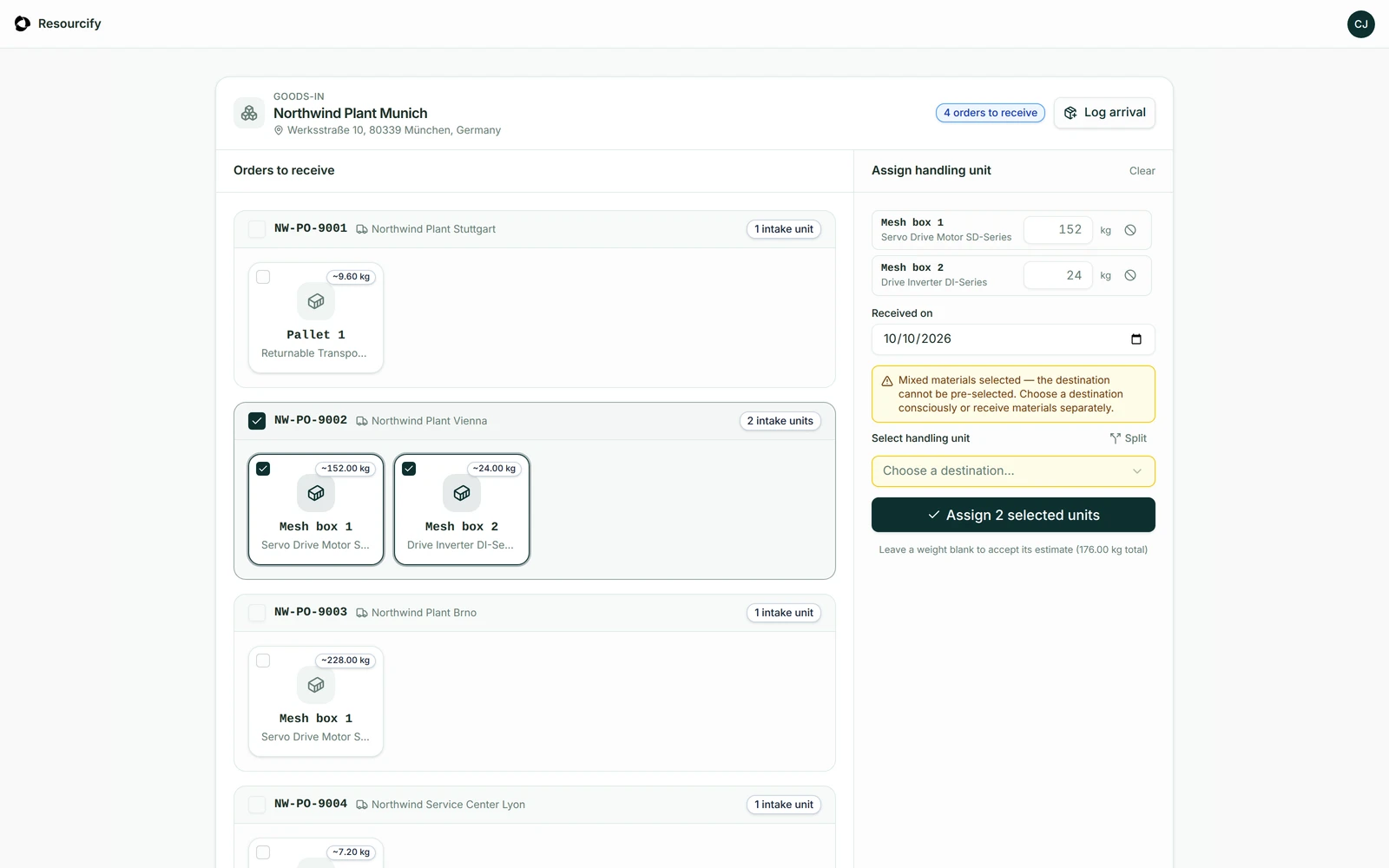
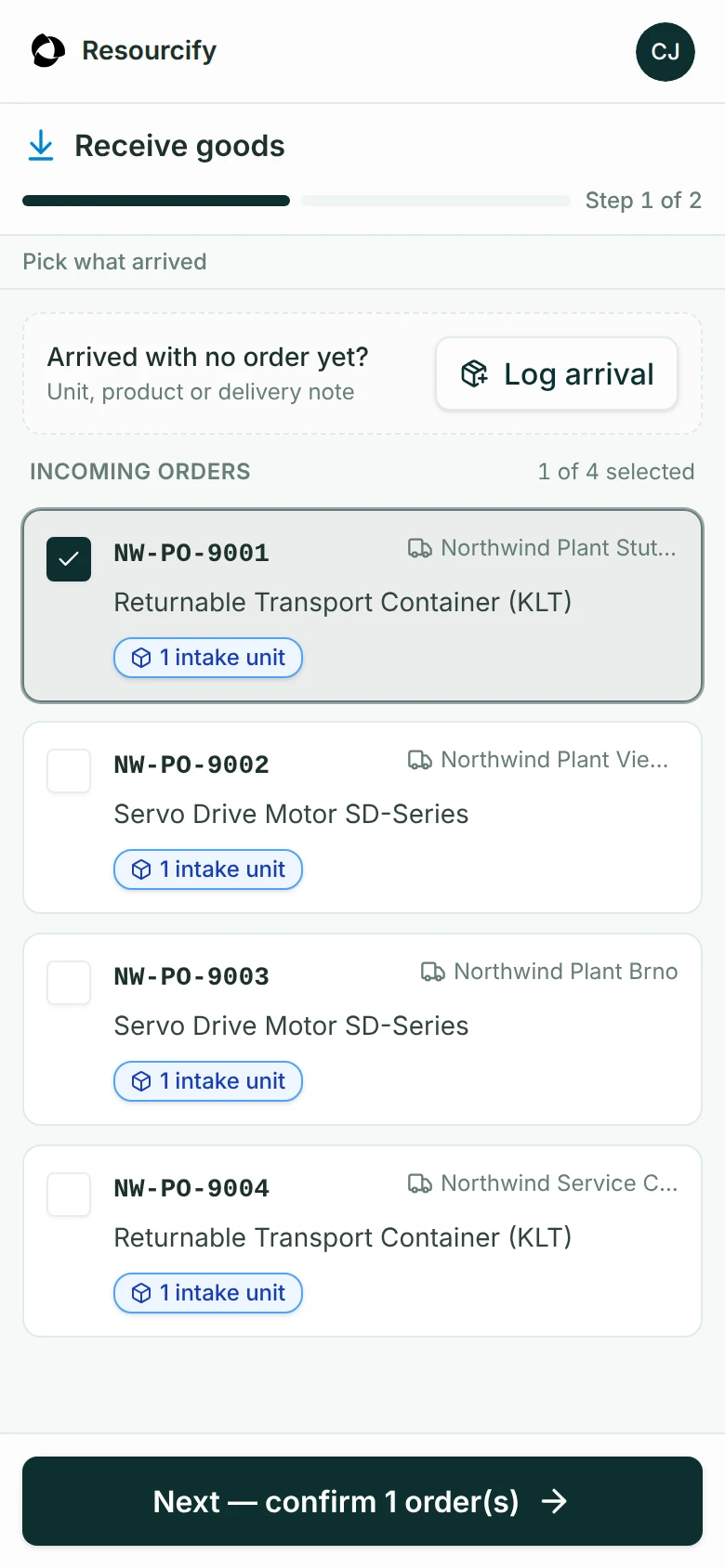
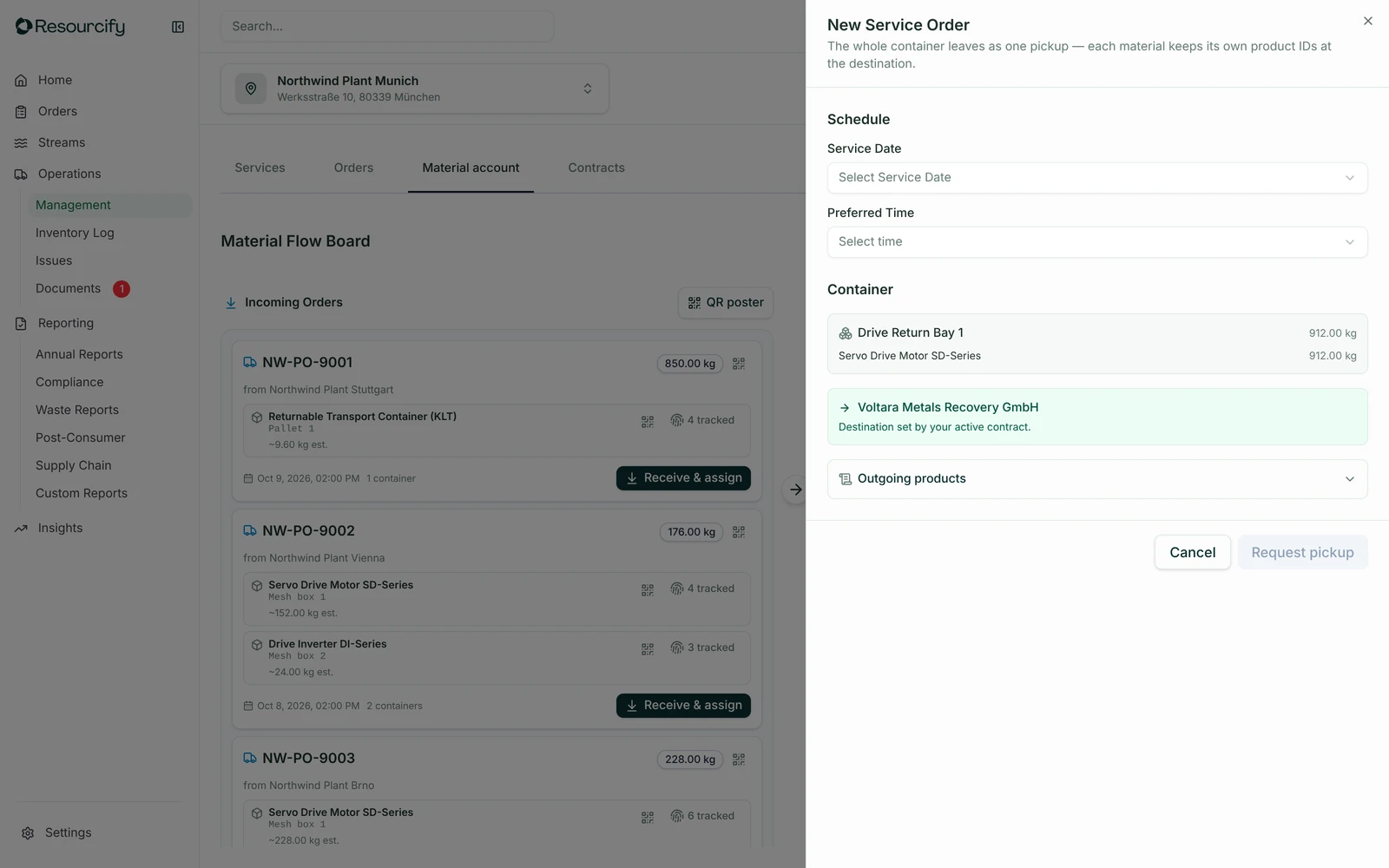
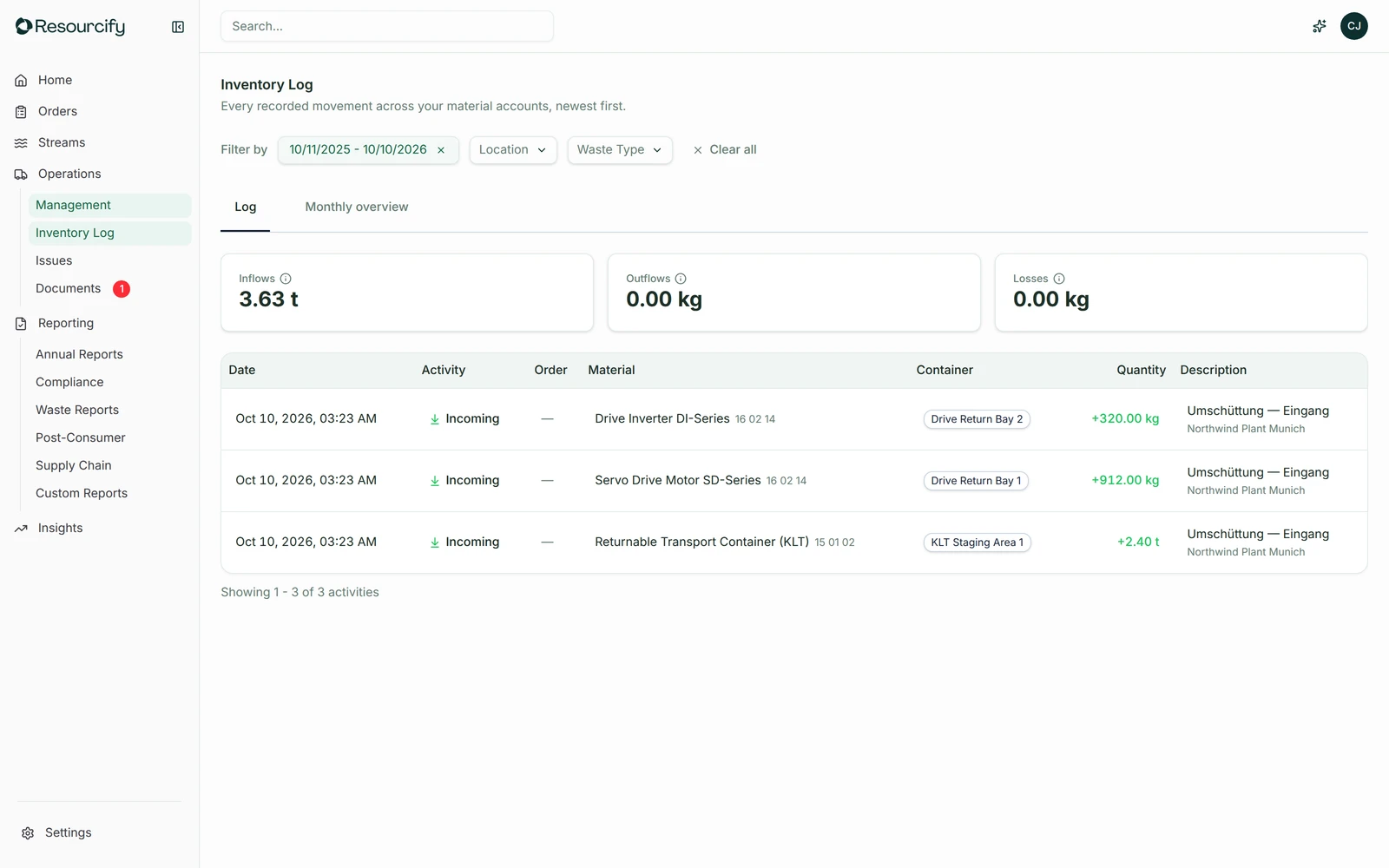
An illustrated physical delivery arrives at Northwind Hub. A desktop workstation identifies return NW-0084 through an item scan. A separate mobile route scans the QR on container CT-0084 to open Receive goods and the linked return. Either receiving method leads to the same confirmed 38 kg receipt in Electronics Return Bay, preserving the Munich origin and item identity. The scenes are simplified from the actual Goods-in, mobile Receive goods and Material Flow Board screens. All records are fictional.
Every arrival has a next step. Every batch keeps its history.
From goods-in to recovered supply, on the ground and in your records.
- Receive and identify returns at the hub
- Choose the next use on the ground
- Build useful lots while keeping every origin
How do I use it?
Receive returns at the desk or at the container.
Products and containers arrive at your logistics site. Use a scanner at the receiving workstation, or scan a container’s QR label with your phone. Confirm what arrived and its weight in the same material account.
- Desktop receiving
- Scan the item at the workstation and open its linked return record.
- Container QR
- Scan the label on the container to open goods-in on your phone.
- One receipt
- Confirm the weight, assign the handling unit and keep the origin attached.
Give each item the right next use.
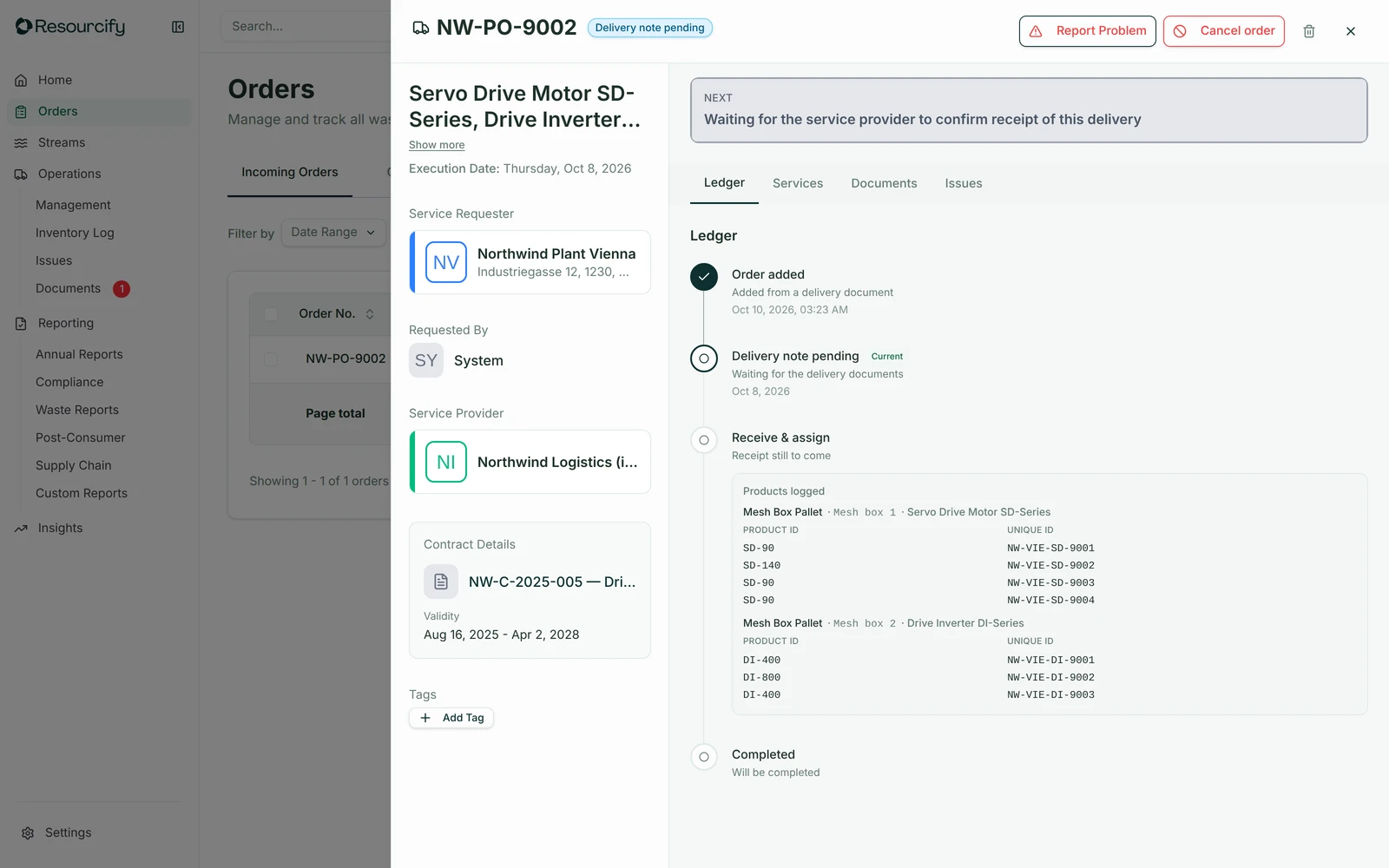
Assess the return where it arrives. Choose reuse, refurbishment or recycling for the item or its components, with the decision kept in the record.
- An operational decision
- Record the condition and chosen route after inspection.
- Traceable handover
- Keep the return’s identity through the next step.
Small arrivals become a useful batch.
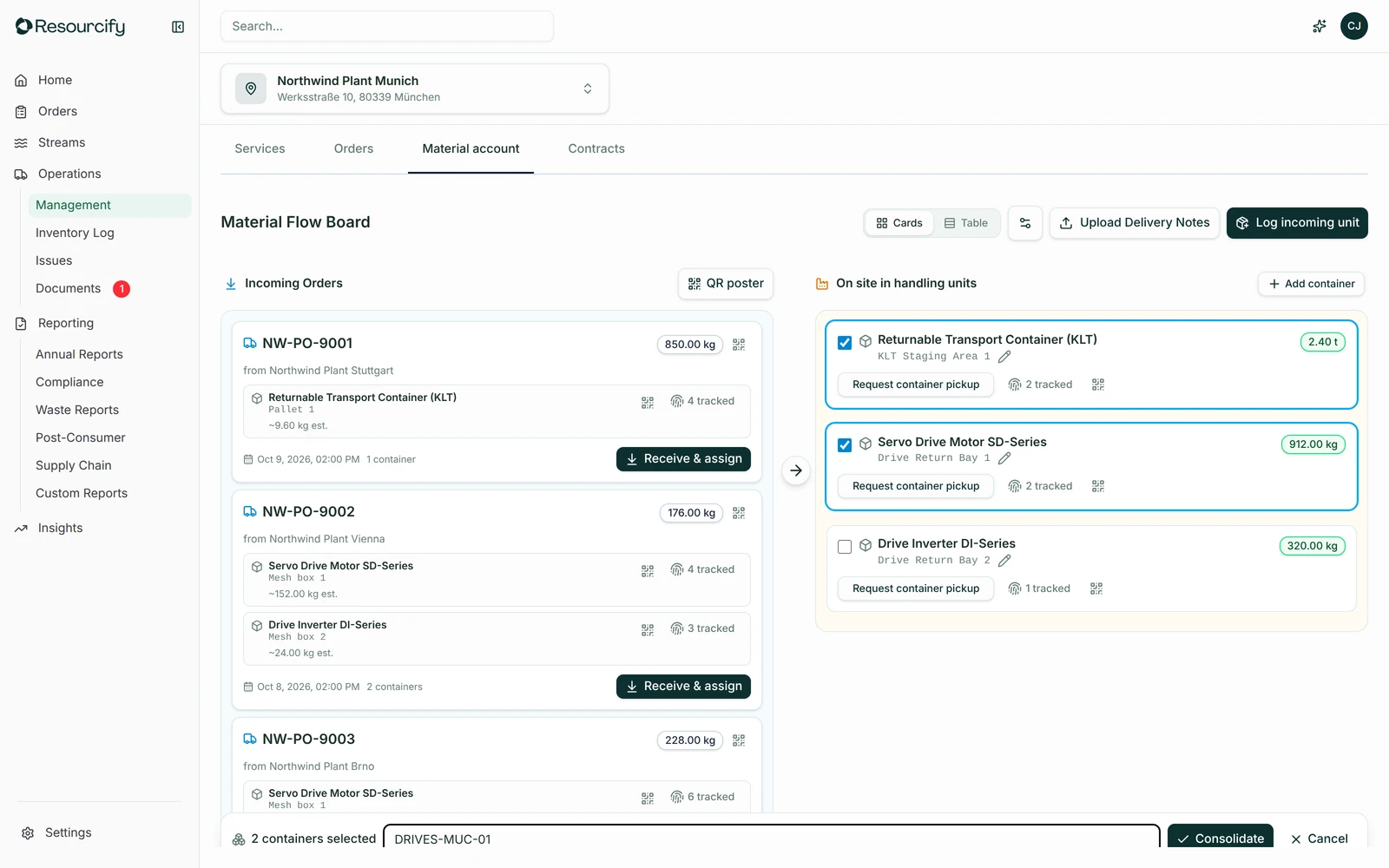
Combine compatible returns into lots and arrange the onward collection when the quantity works. Keep each source’s contribution traceable inside the batch.
- Origin preserved
- A combined lot keeps the link to its source returns.
- Inventory in view
- See incoming, on-site and outgoing material together.
One platform.
Your circular use case.
Start with material records, AI workflows and reporting. Add the apps your operation needs. Use it on desktop or mobile, scan a QR code on site, or connect your tools through API and MCP.
Run it with your team, or bring ours in for orchestration.